
Blogs
Long-form posts structured for readers and search engines: clear headings, actionable steps, and honest limits of what software can fix.
Use the cards below as a table of contents: each article opens on its own page when you continue reading. Latency and CPU posts pair well before you tackle mastering and loudness; templates and troubleshooting help when you are tired of fighting the same organizational fires every month.
Deep dives: latency, CPU, export, piano roll, templates, troubleshooting.
How these posts are written
Each article leads with a problem you can recognize in a session, then offers ordered steps, not a dump of shortcuts. We call out trade-offs (latency vs. comfort, loudness vs. punch) so you can choose consciously.
Using reading time
Estimates assume normal scrolling. If you are implementing along the way, budget double the time for the CPU, latency, and template articles. Bookmark FAQ for one-screen reminders.

Production
Fixing monitoring latency without wrecking stability
Buffer sizes, direct monitoring, and when to print effects while tracking.
Continue reading →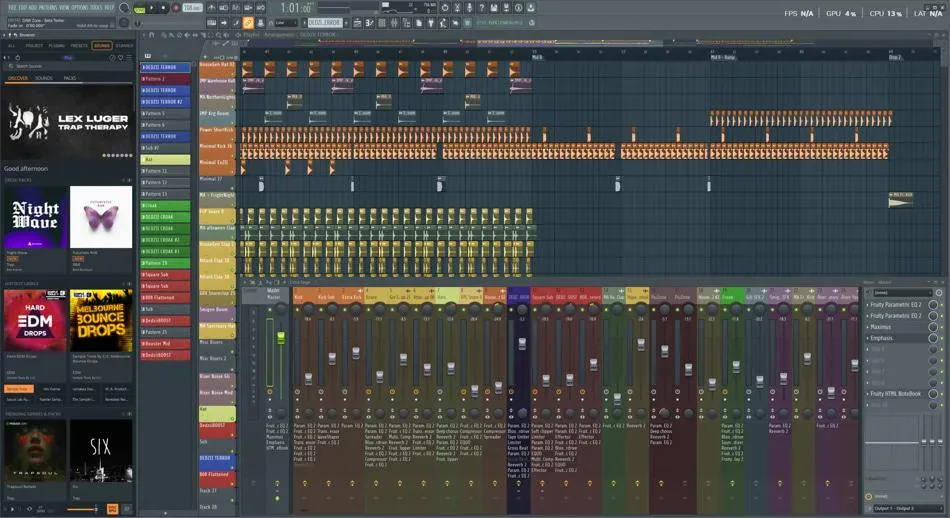
Performance
CPU headroom: a sane order of operations
Freeze, bounce, bus, repeat: how to keep sessions responsive on laptops.
Continue reading →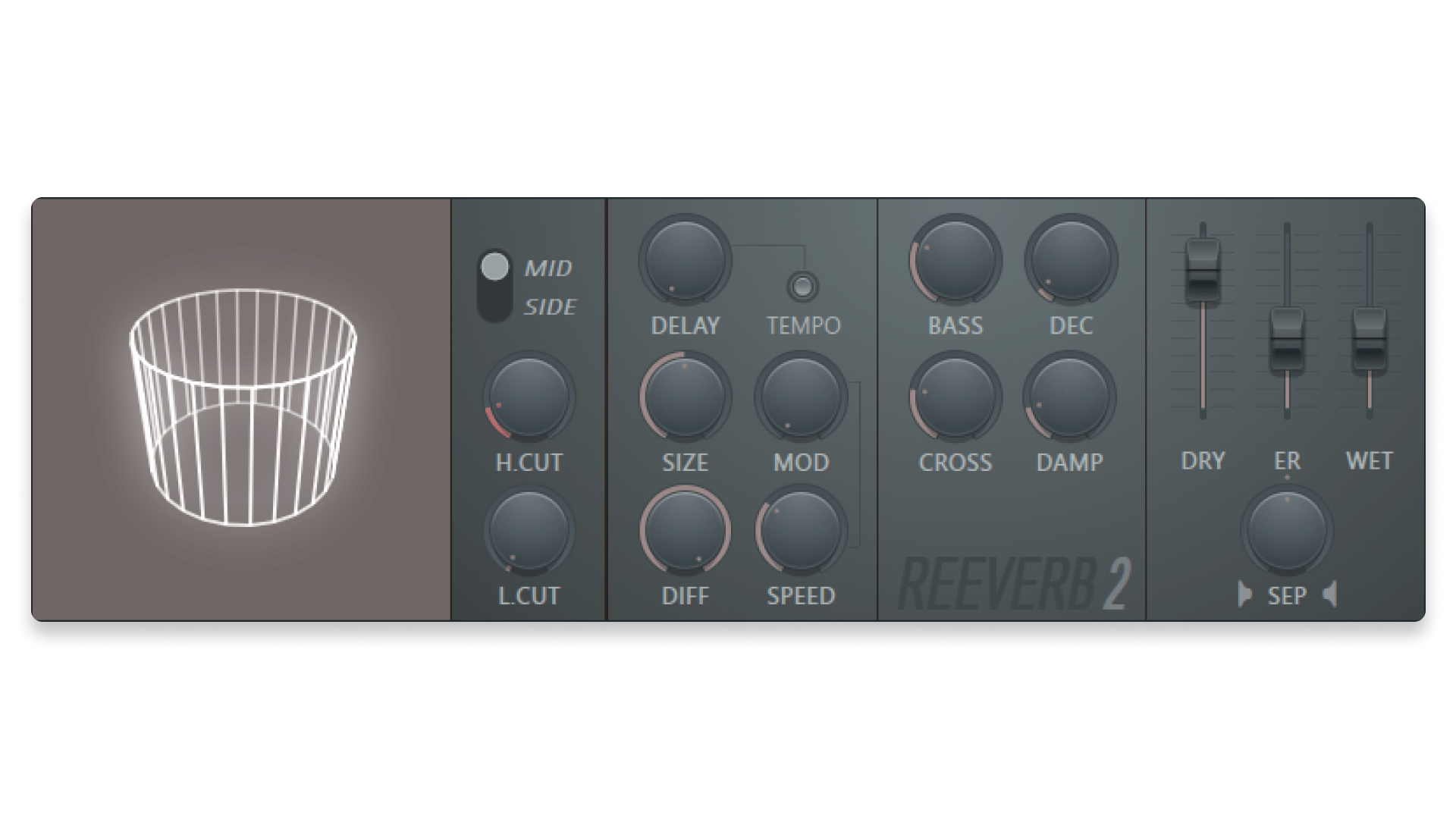
Mastering
Loudness, peaks, and formats that survive distribution
LUFS targets are a compass, not a cage: here is a practical export routine.
Continue reading →
Writing
Humanization tricks that listeners actually notice
Velocity, swing, and micro-delays that make programmed drums feel alive.
Continue reading →
Organization
Project templates that scale from idea to delivery
Color protocols, bus layouts, and stem-ready routing from day one.
Continue reading →
Stability
A troubleshooting ladder for clicks, pops, and dropouts
Start with cables and drivers before you blame the DAW.
Continue reading →Each card opens the full article on its own page; bookmark the post URL, not a hash on this index.
Glossary in context
Terms that repeat in every article
We reuse the same words on purpose, so you can skim any post and still know what we mean by buffer, headroom, or stem without opening five tabs.
- Headroom
- Space below 0 dBFS on peaks so processors and exports do not clip unexpectedly.
- Stem
- A grouped bounce (drums, bass, vocals) so others can remix without your full project.
- Translation
- How a mix holds up on other speakers, not how loud it is on your desk.
Questions that do not need a full article live in FAQ.